
Overview
Project and cluster overview
Organize clusters into projects and view workloads, nodes and health without deploying a separate dashboard.
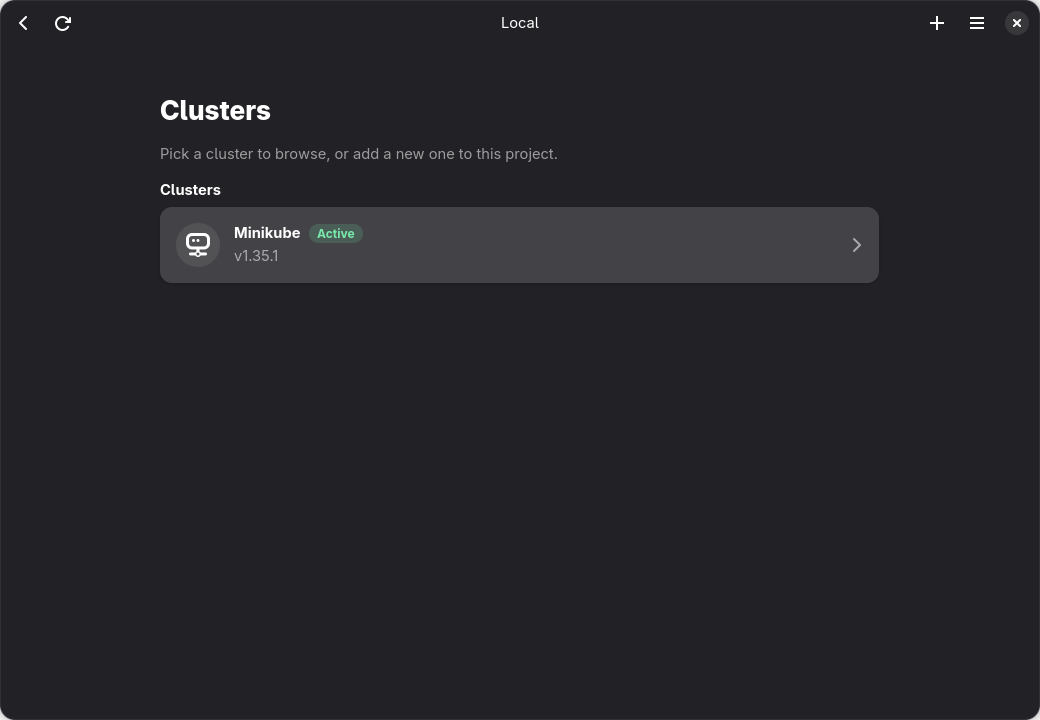

A LuminusOS project · Kubernetes · Desktop
Connect with your kubeconfig, organize clusters by project, inspect resources, edit YAML and work with large resource lists from a native desktop application.
Latest release: v1.2.0 · Linux · Windows · macOS
“From Aether, the highest and brightest layer of the sky in classical mythology. That is the idea behind Aetheris: a clear, quiet place above the noise where your clusters stay readable and under control.”
Browse, inspect, edit and operate cluster resources from the same interface.
Organize clusters into projects and view workloads, nodes and health without deploying a separate dashboard.
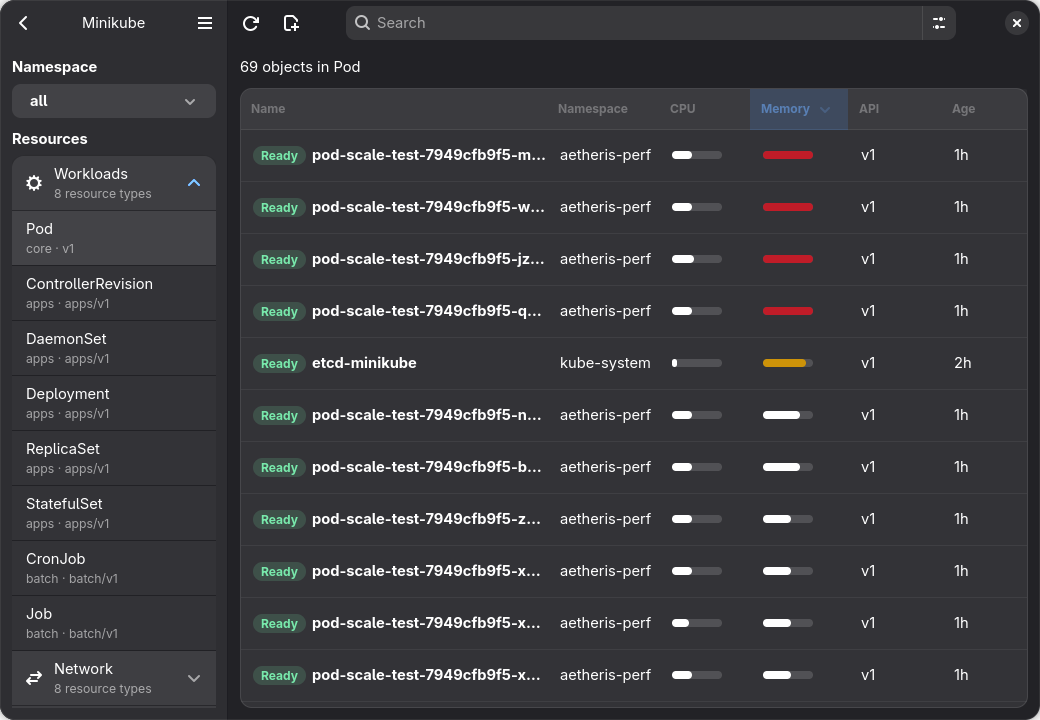
Browse workloads, networking, storage and config across all namespaces. The resource table stays responsive with huge lists, including 10k pods, while details, events and metrics stay one click away.
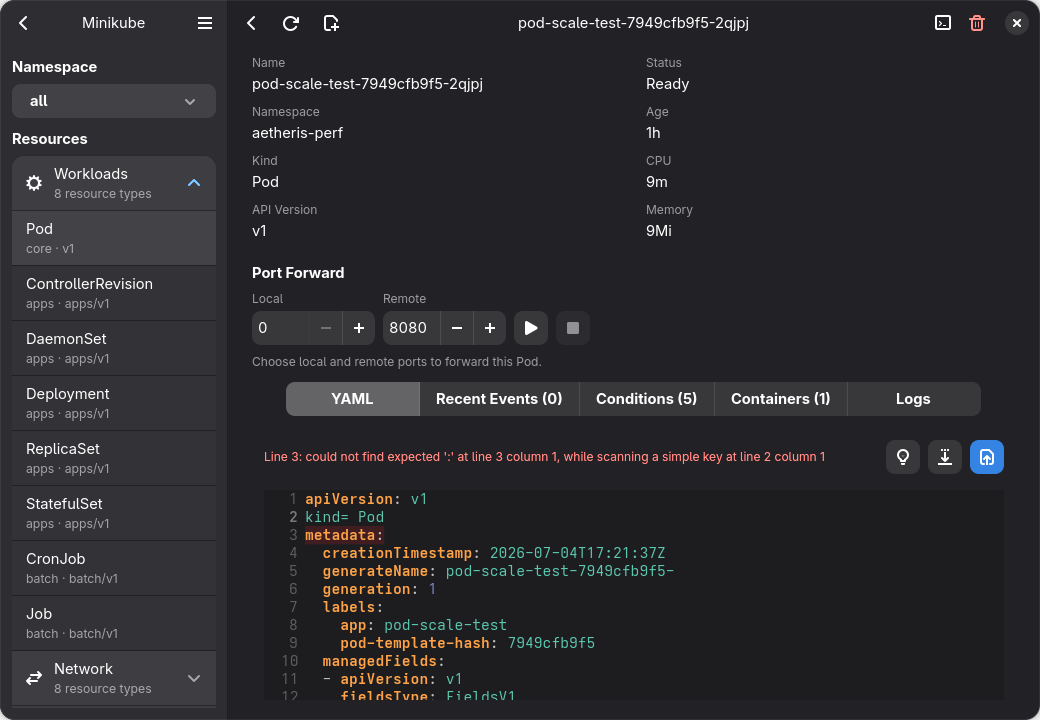
Open objects as YAML with syntax highlighting, edit them and apply the result to the cluster.
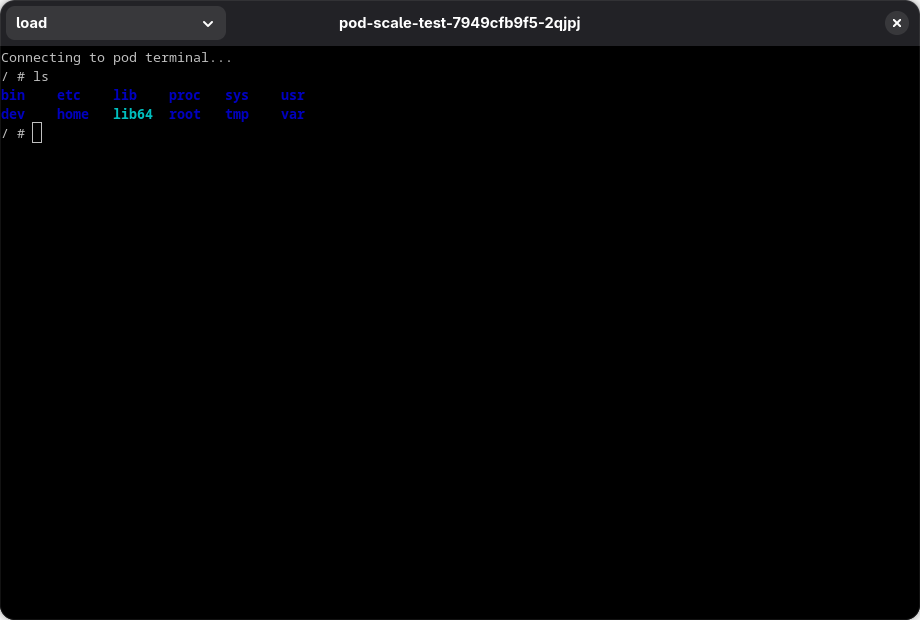
Open a VTE-based interactive terminal in the selected pod and work inside its container.
Tools for browsing, inspecting and operating clusters from one application.
Organize any number of clusters into projects and switch between them instantly.
Navigate workloads, networking, storage and config across all namespaces with live status.
Loads resource lists with up to 10k pods without blocking the interface.
Inspect and edit any object as YAML with syntax highlighting, then apply it back to the cluster.
Stream pod logs in real time, with follow mode and full ANSI color support.
Open an interactive terminal inside a container from the application.
Scale, delete, cordon, drain and port-forward resources from the interface.
Reads your existing ~/.kube/config, and can import and create entries without touching your workflow.
Cluster events and resource metrics beside the objects they belong to.
Built with Rust, GTK4, Libadwaita and Relm4 for Linux, Windows and macOS.
Uses kube-rs for Kubernetes API access and resource operations.
Aetheris uses your kubeconfig to connect directly to clusters, without accounts or telemetry.